</> IFCODE
oSamp / Mobile

oSamp

On your phone

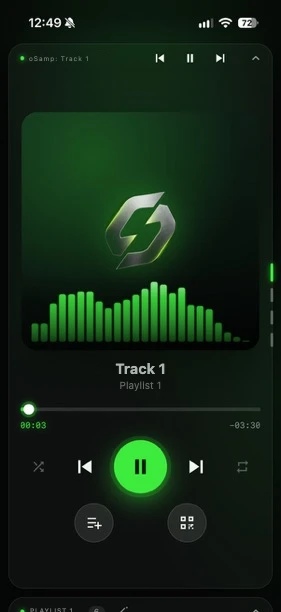
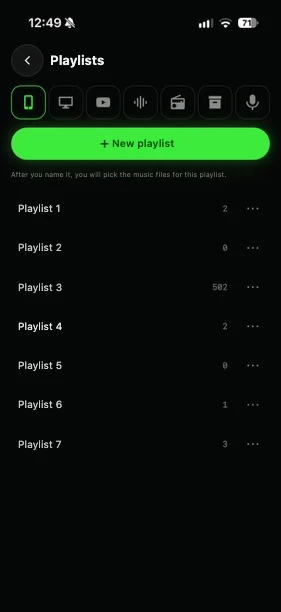
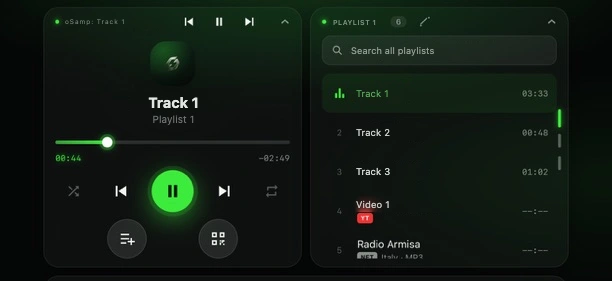
Your local files, YouTube, radio and podcasts. Listen your way — in one player with character.

Explore oSamp Mobile
Local files Online sources Custom skins oSamp ecosystem
Listen your way

Many sources. One oSamp.

From your own collection to new discoveries. Choose what you feel like listening to today.

Your files

Music stored on your phone. Listen to your collection offline, too.

YouTube

Songs, videos and playlists at your fingertips.

Internet radio

Discover stations from around the world and return to your favourite shows.

Podcasts

Browse the iTunes directory or add your own RSS feed.

Audius and Jamendo

Meet independent artists and discover new sounds.

Internet Archive

Explore archived recordings and expand your collection.

Phone + computer

Your playlist comes along.

Bring a playlist from oSamp on your computer to your phone. All you need is the same Wi-Fi network and a QR code.

  1. 01Connect your phone and computer to the same Wi-Fi network.
  2. 02Choose playlist sharing in oSamp on your computer.
  3. 03Scan the QR code in the mobile app to receive your playlist.
Set the mood

The same player.
Entirely yours.

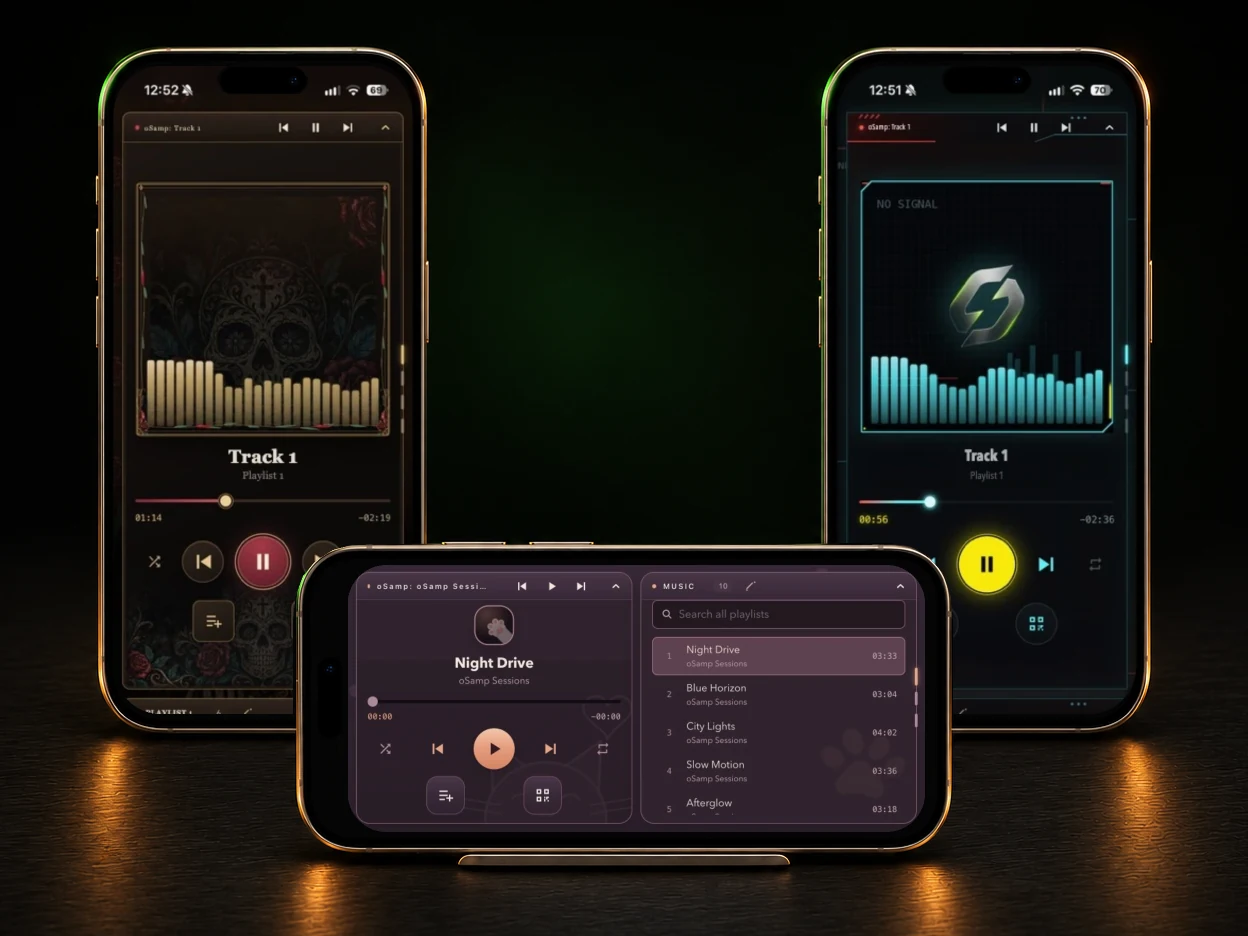
Neon, gold or a little feline calm? Change the skin and give your music a look of its own.

Skins change the player, playlist and equalizer. Preview three different styles here.

Explore the skin catalogue
Three phones showing oSamp Mobile. Santa Muerte on the left, Neon City on the right and Kittens in landscape in front.
Santa Muerte · Kittens · Neon City

oSamp ecosystem

See how to transfer a playlist from your computer to your phone and install a skin using a QR code.

Before you press play

Good to know

Does oSamp work offline? +

Yes, when you listen to files stored on your phone. YouTube, radio, podcasts and other online sources require an internet connection.

Can I adjust the sound? +

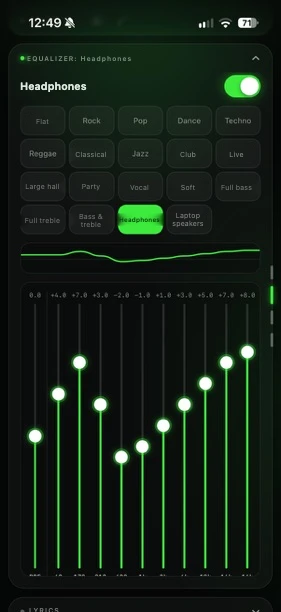
Yes. Use the equalizer sliders and presets to tune the sound. Select “Equalizer” in the gallery at the top of this page to see it.

How do I transfer a playlist from my computer? +

Run an up-to-date version of oSamp on both devices, connect them to the same Wi-Fi network and scan the shared playlist’s QR code with your phone.

Is the app available on iPhone? +

The iOS version is in development. The screens shown here come from an iPhone. A public download link will be added when the app becomes available.