Neon City
NeonOn your phone
Scan it in oSamp on your phone (the scanner button below the player).
Scan it in oSamp on your phone (the scanner button below the player).
Scan it in oSamp on your phone (the scanner button below the player).
Scan it in oSamp on your phone (the scanner button below the player).
Scan it in oSamp on your phone (the scanner button below the player).
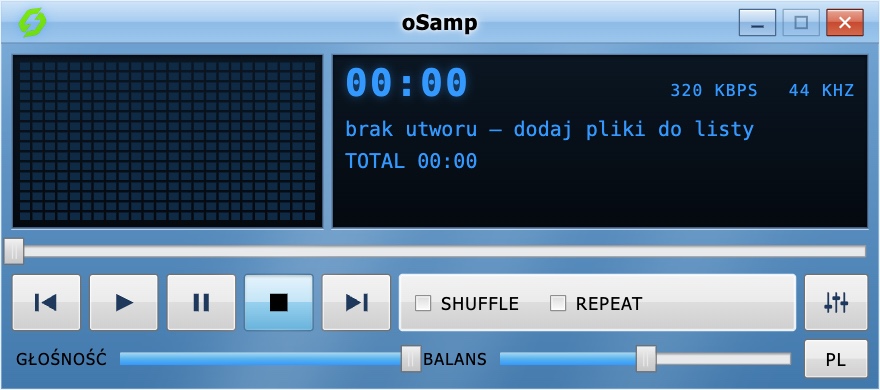
Scan it in oSamp on your phone (the scanner button below the player).
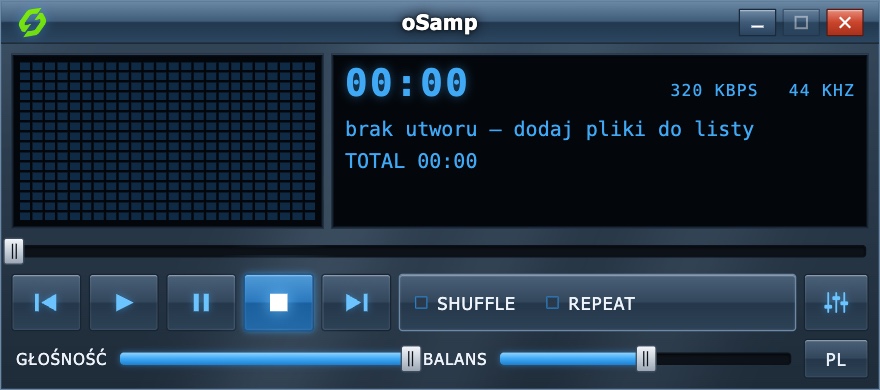
Scan it in oSamp on your phone (the scanner button below the player).
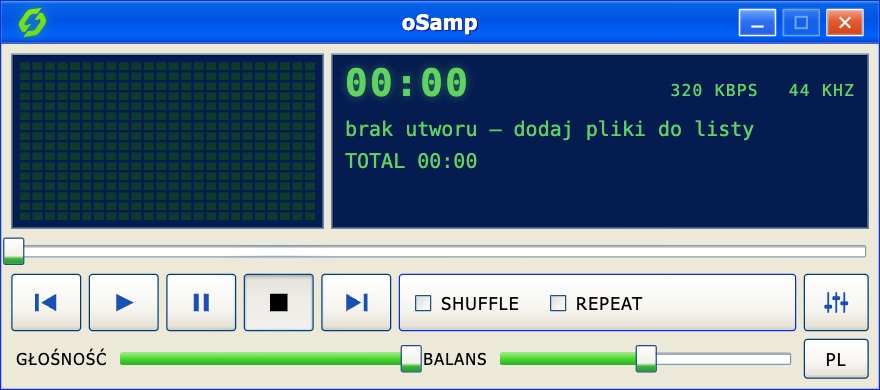
Scan it in oSamp on your phone (the scanner button below the player).
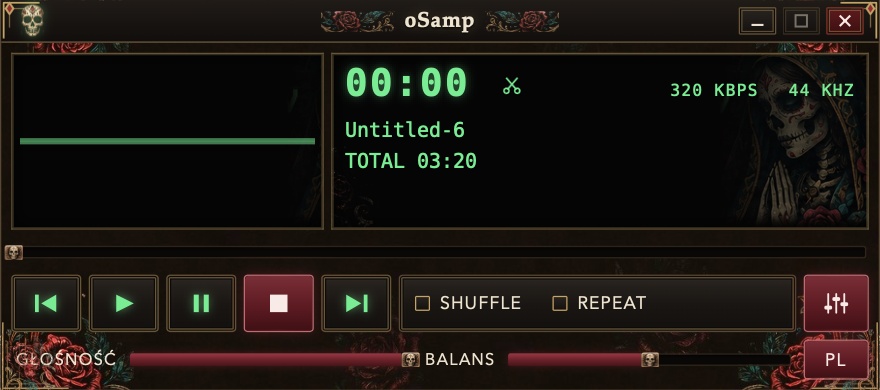
Scan it in oSamp on your phone (the scanner button below the player).
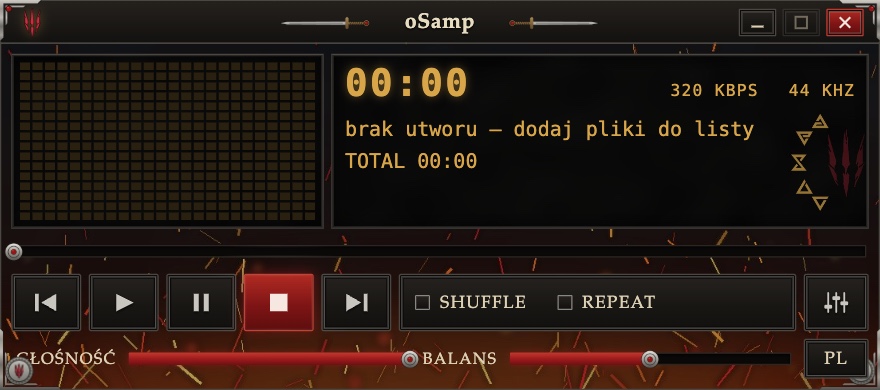
Scan it in oSamp on your phone (the scanner button below the player).
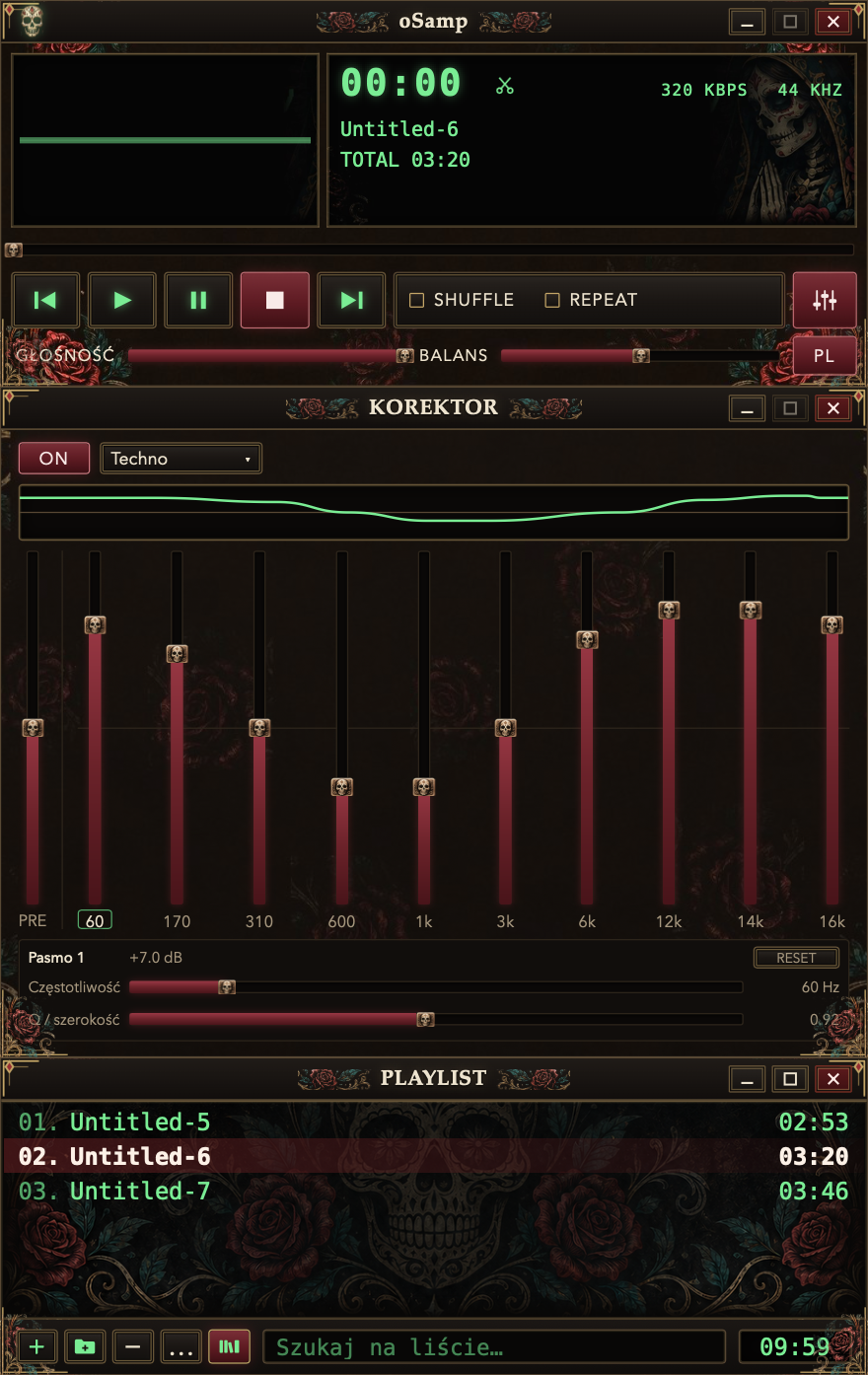
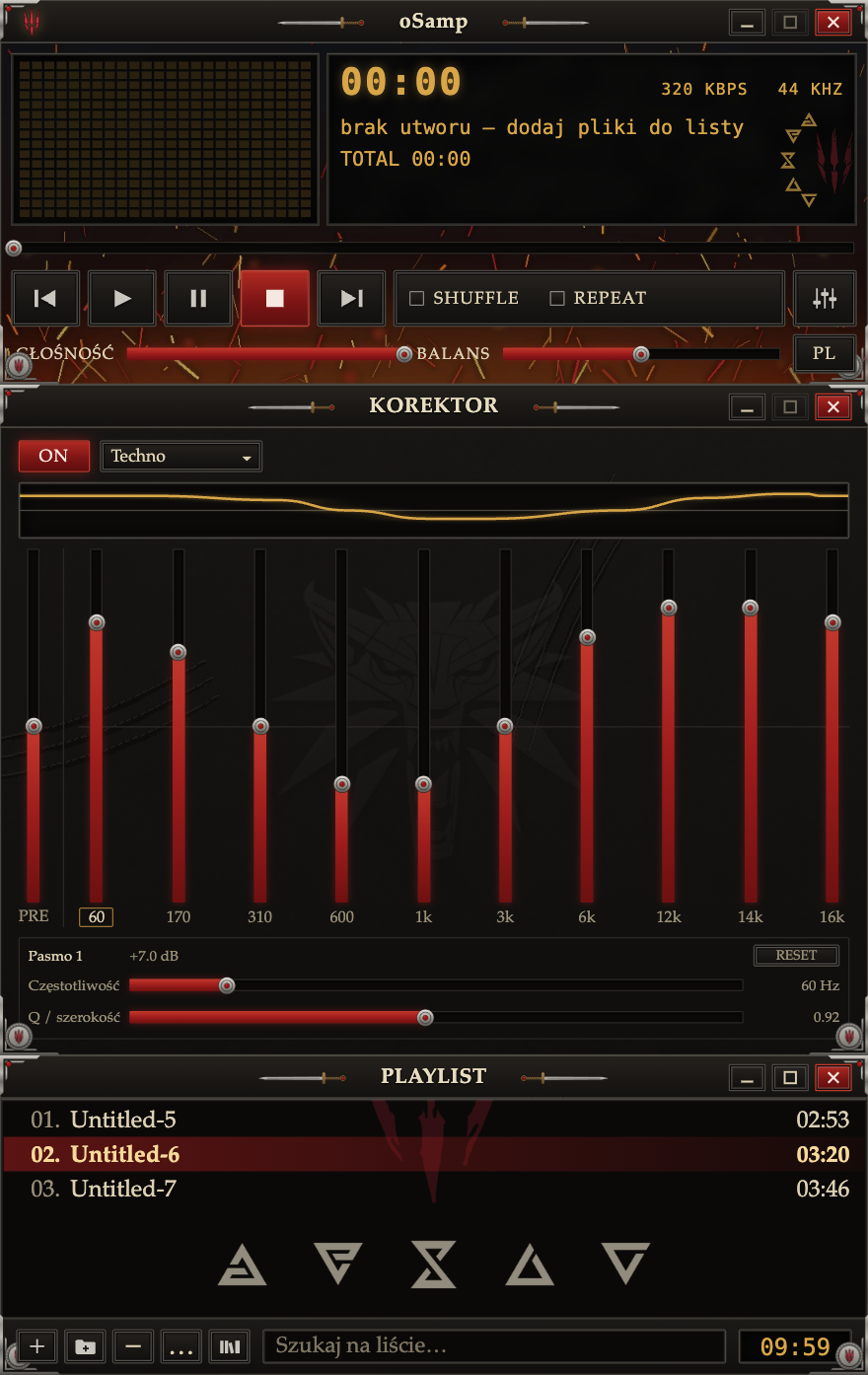
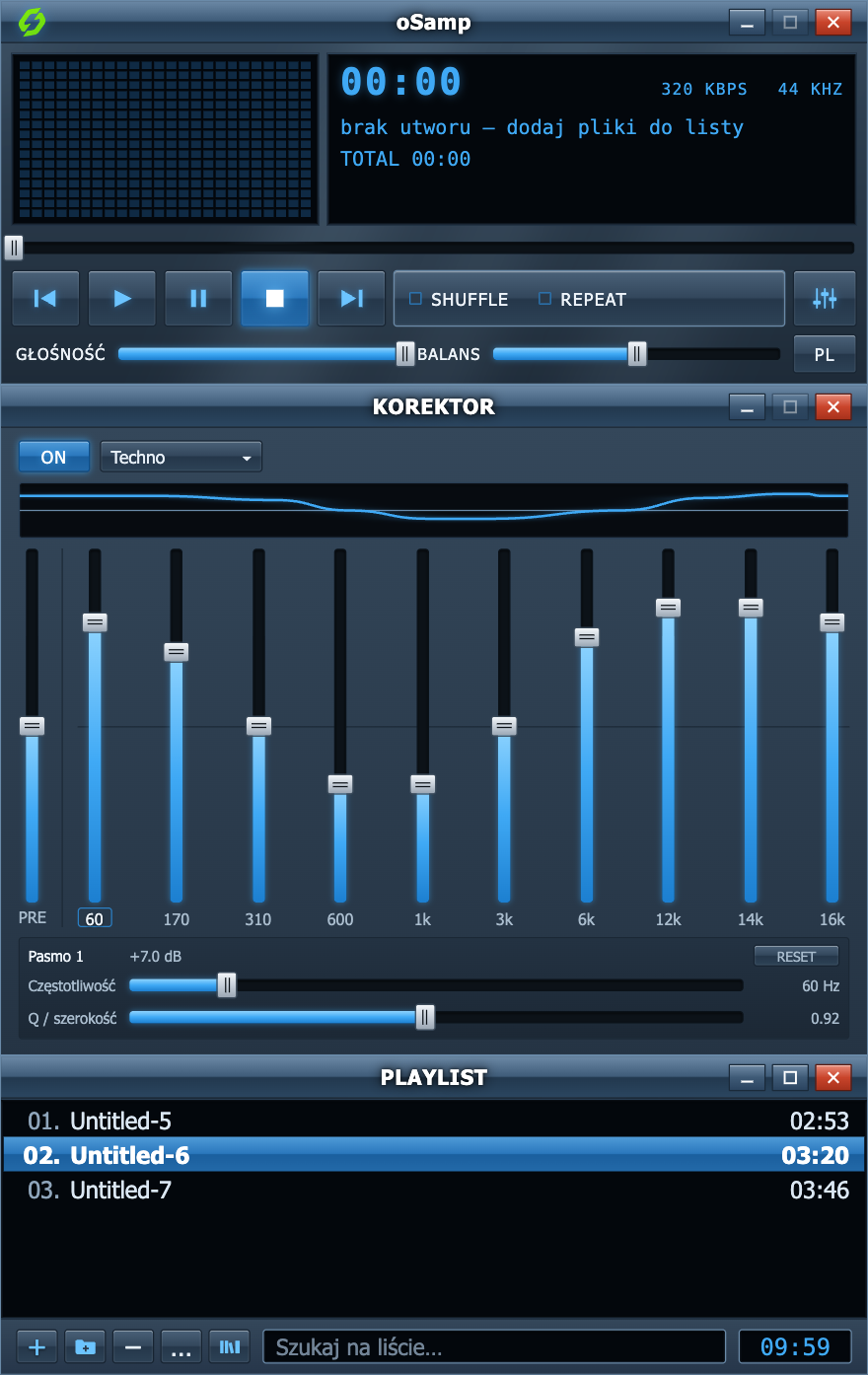
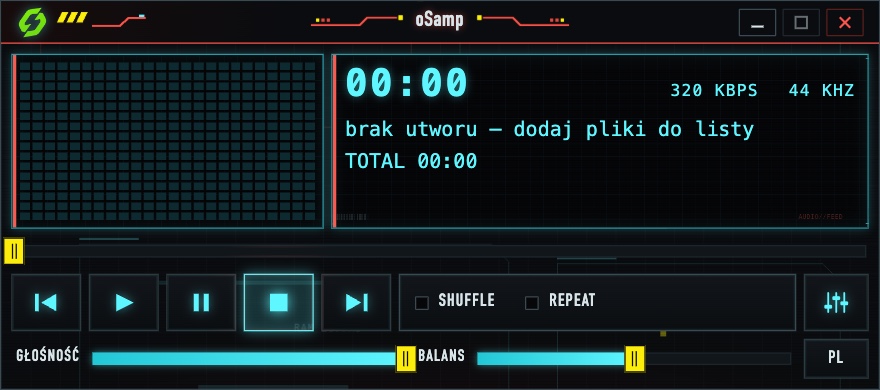
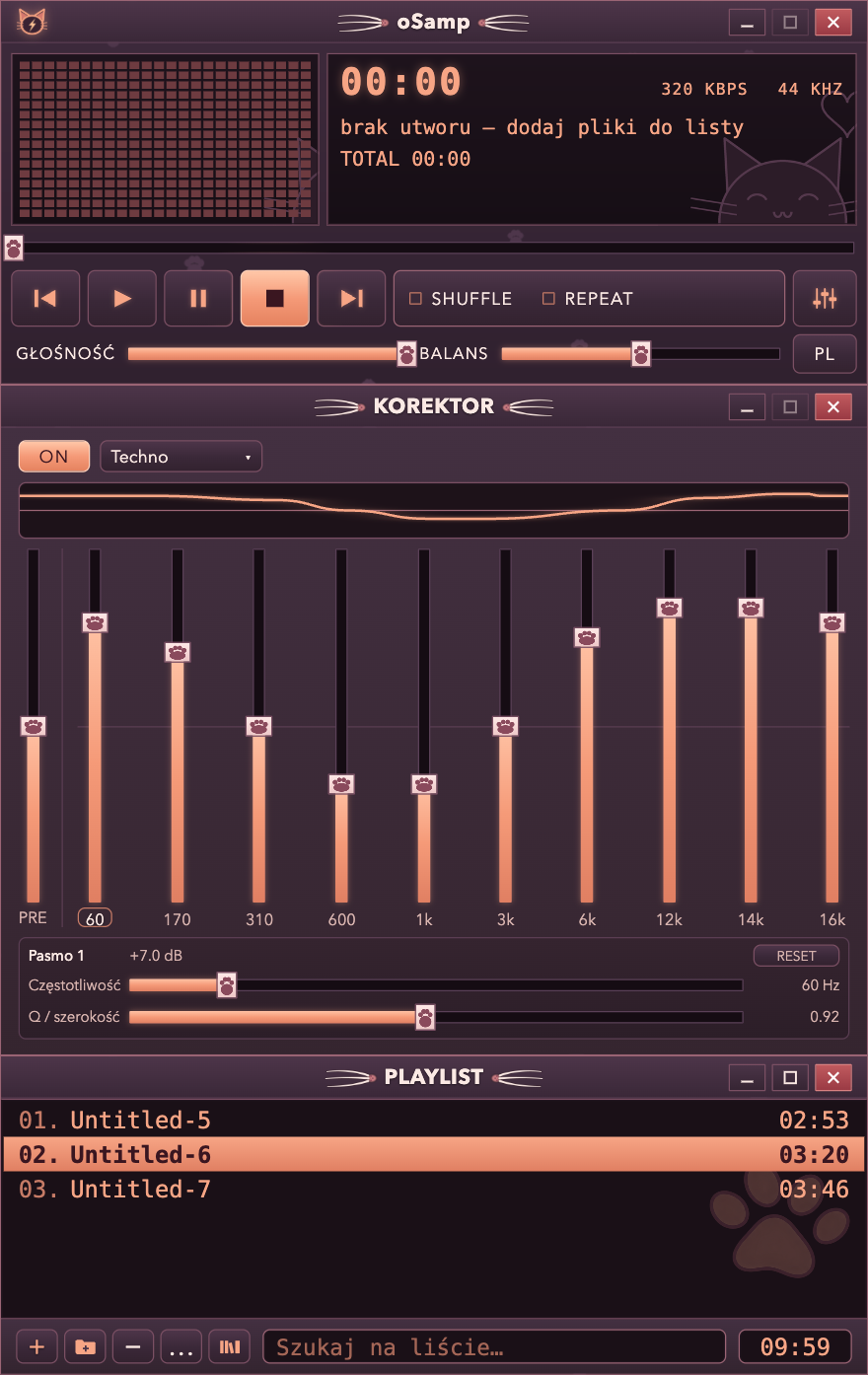
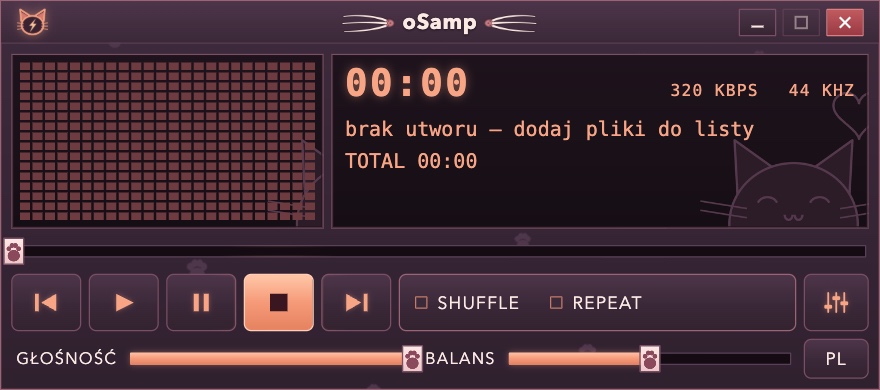
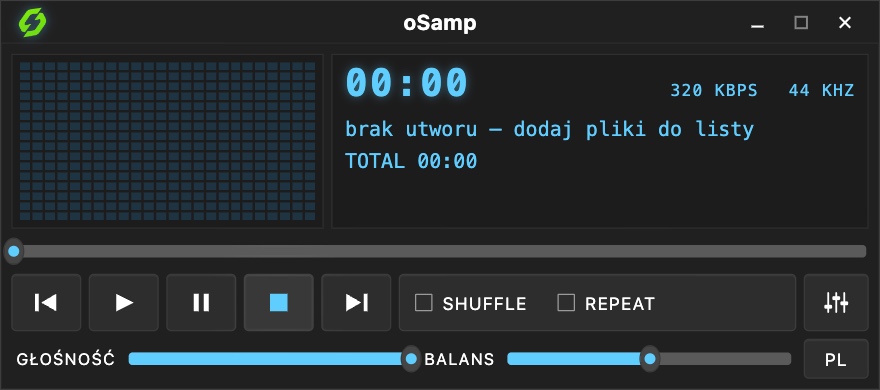
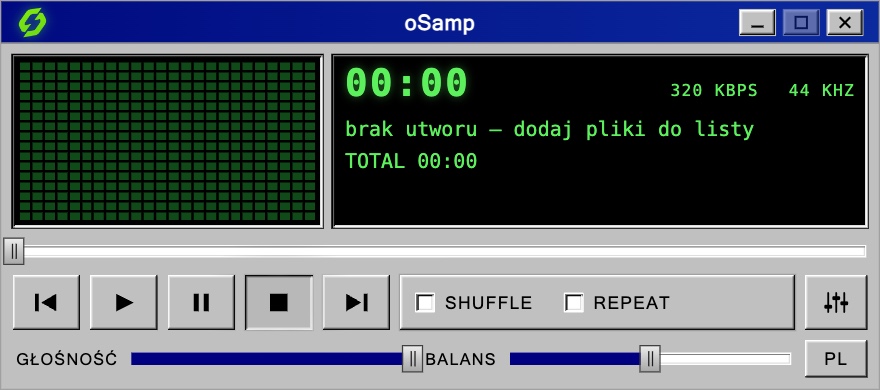
Browse the available variants and find your style.
One click passes the selected skin to the application.
The app downloads, verifies and adds the selected skin.
On your phone: open oSamp, tap the scanner button below the player and scan the QR code from a skin card marked “On your phone”. The app downloads the mobile version of the skin and verifies its checksum.